Getting Logitech Z407 control dial working on Raspberry Pi OS
2026/06/04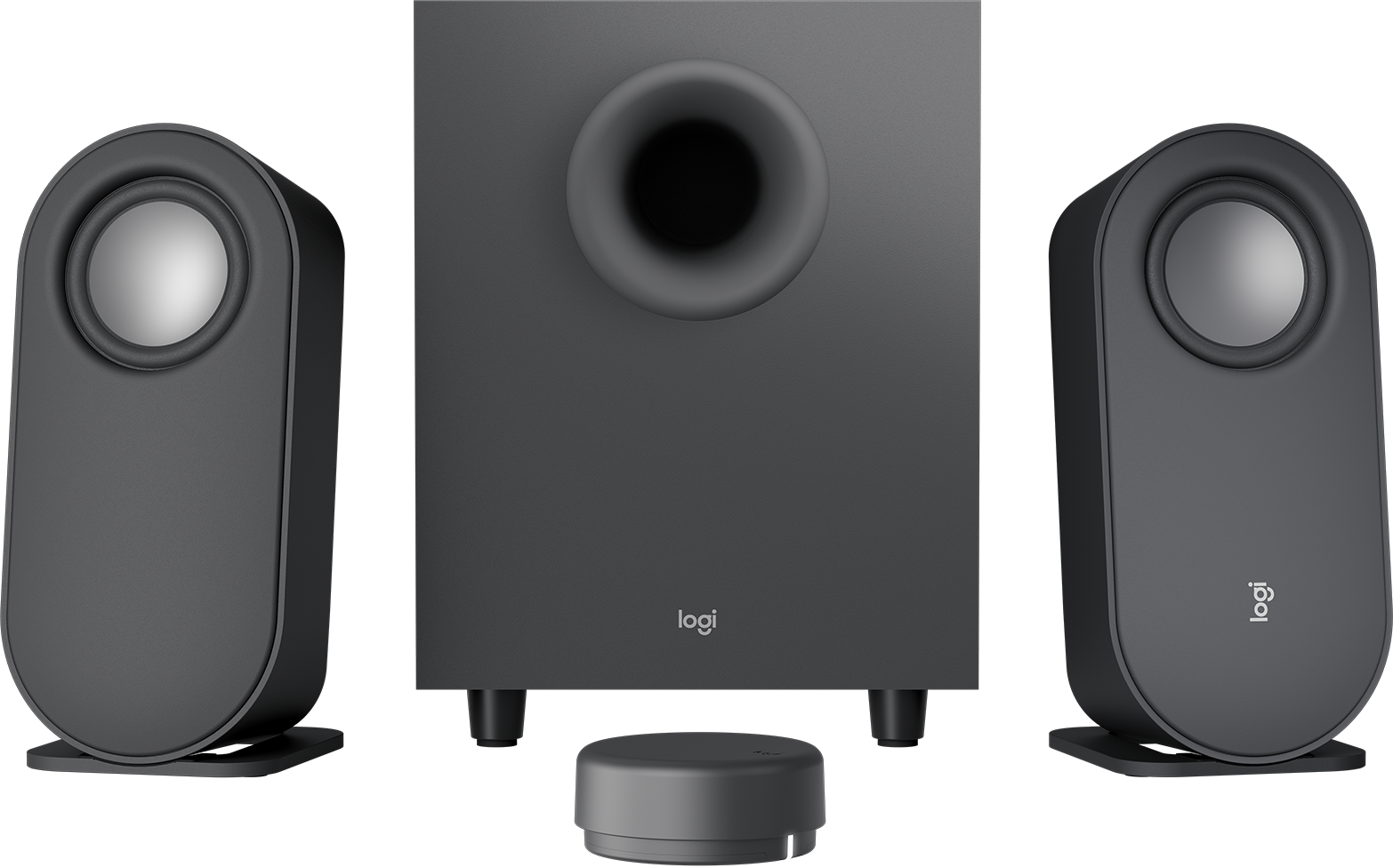
I have a pair of Logitech Z407 speakers connected to my Raspberry Pi 4 that I use to watch videos on my dumb TV at home. The speakers come with a puck (officially called a "control dial") that controls audio volume and toggles between play and pause when clicked.
This feature works natively in VLC, but for some reason the puck doesn't do anything when watching videos in FreeTube, a privacy-focused, distraction-free YouTube player.
Luckily, FreeTube implements the MPRIS D-Bus Interface Specification, which means that it can be controlled with the playerctl utility.
To get it working on Raspberry Pi OS with labwc, you need to bind the XF86AudioPlay event to the playerctl play-pause command via the ~/.config/labwc/rc.xml file:
<keybind key="XF86AudioPlay">
    <action name="Execute">
        <command>playerctl play-pause</command>
    </action>
</keybind>
For example, my current rc.xml looks like this:
<?xml version="1.0"?>
<openbox_config xmlns="http://openbox.org/3.4/rc">
    <theme>
        <font place="ActiveWindow">
            <name>PibotoLt</name>
            <size>18</size>
            <weight>Bold</weight>
            <slant>Normal</slant>
        </font>
        <font place="InactiveWindow">
            <name>PibotoLt</name>
            <size>18</size>
            <weight>Bold</weight>
            <slant>Normal</slant>
        </font>
        <name>PiXflat</name>
    </theme>
    <keyboard>
        <keybind key="XF86AudioPlay">
            <action name="Execute">
                <command>playerctl play-pause</command>
            </action>
        </keybind>
    </keyboard>
</openbox_config>
Adding this keybind will affect all applications that support MPRIS, which means it will also work in Chromium, Firefox, and most modern music players.